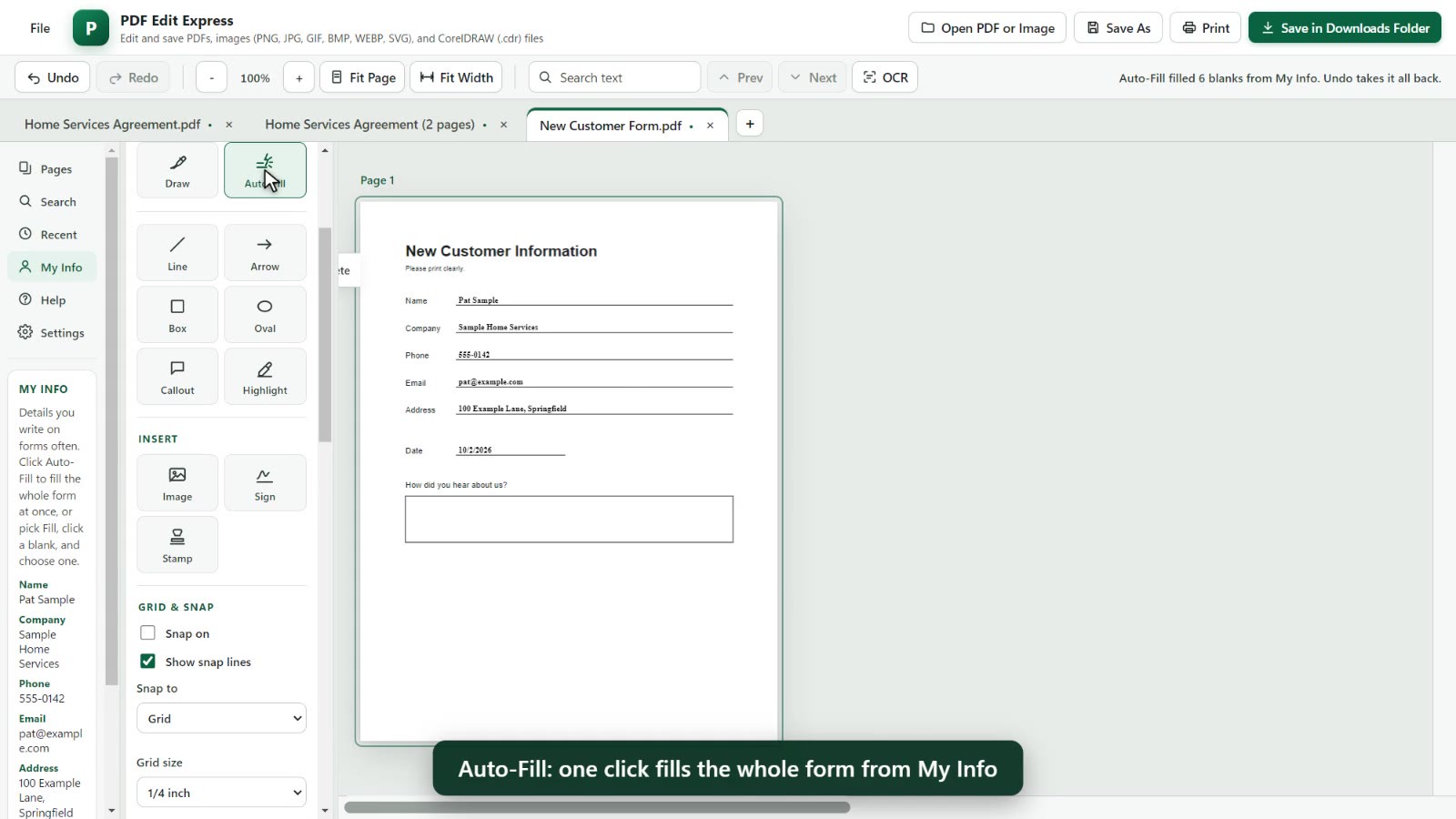
Auto-Fill whole forms
Save your name, company, phone, email and address once. One click fills every matching blank, even on printed forms with no fill-in boxes.
Free. Nothing to install.
Fill in any form in one click from your saved details, type right on the lines, sign, stamp, white it out or black it out for good, add watermarks and page numbers, and a lot more.
Enter your email and we'll send you a link to open PDF Edit Express. No password needed.
We sent a link to . Click it to confirm your email and open PDF Edit Express. It can take a minute to arrive; check your spam folder if you don't see it.
You may want to watch it, because it works on more than PDF files.
Save your name, company, phone, email and address once. One click fills every matching blank, even on printed forms with no fill-in boxes.
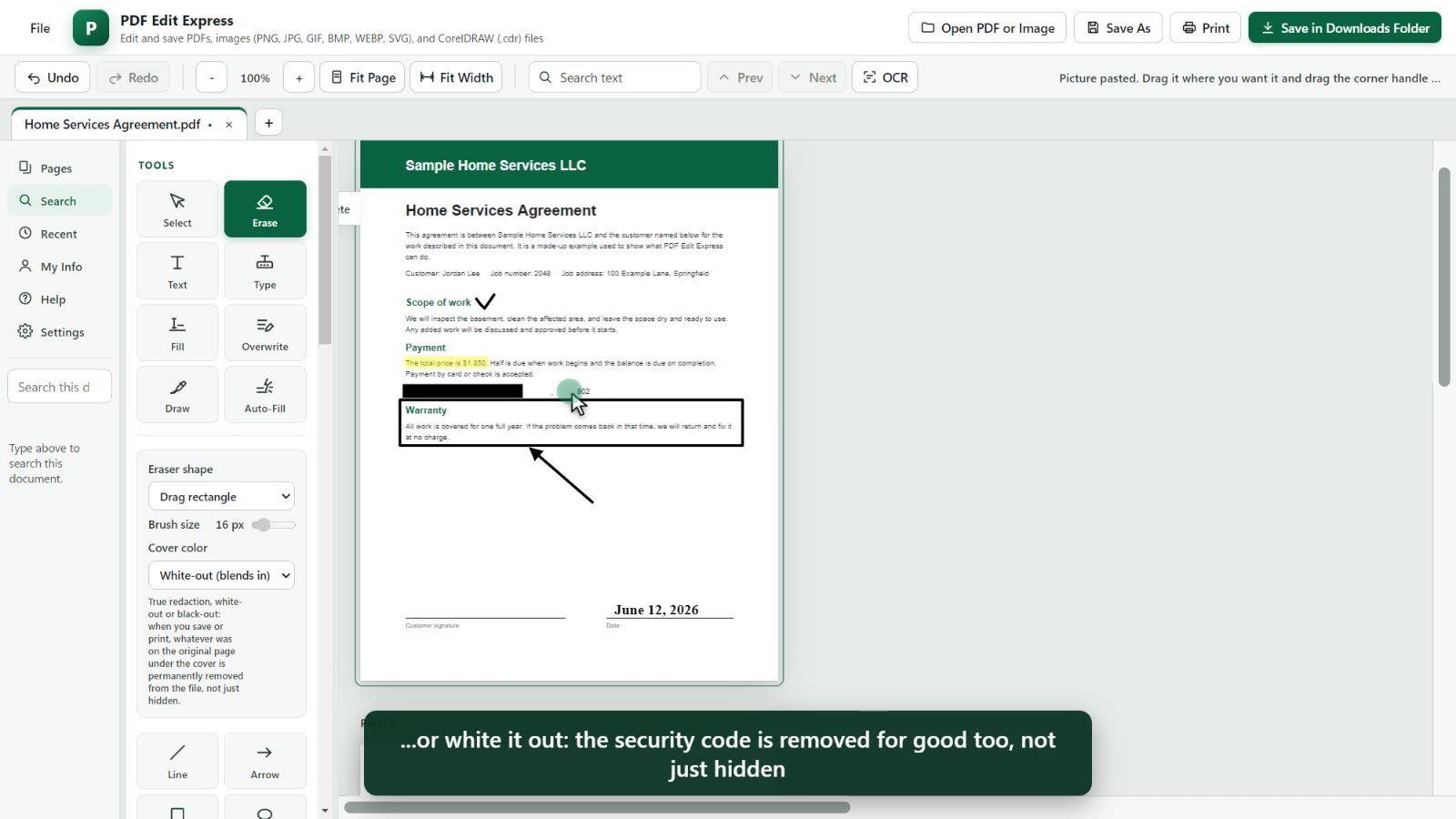
Cover something with white or a black bar and it is removed from the saved file, not just hidden underneath.
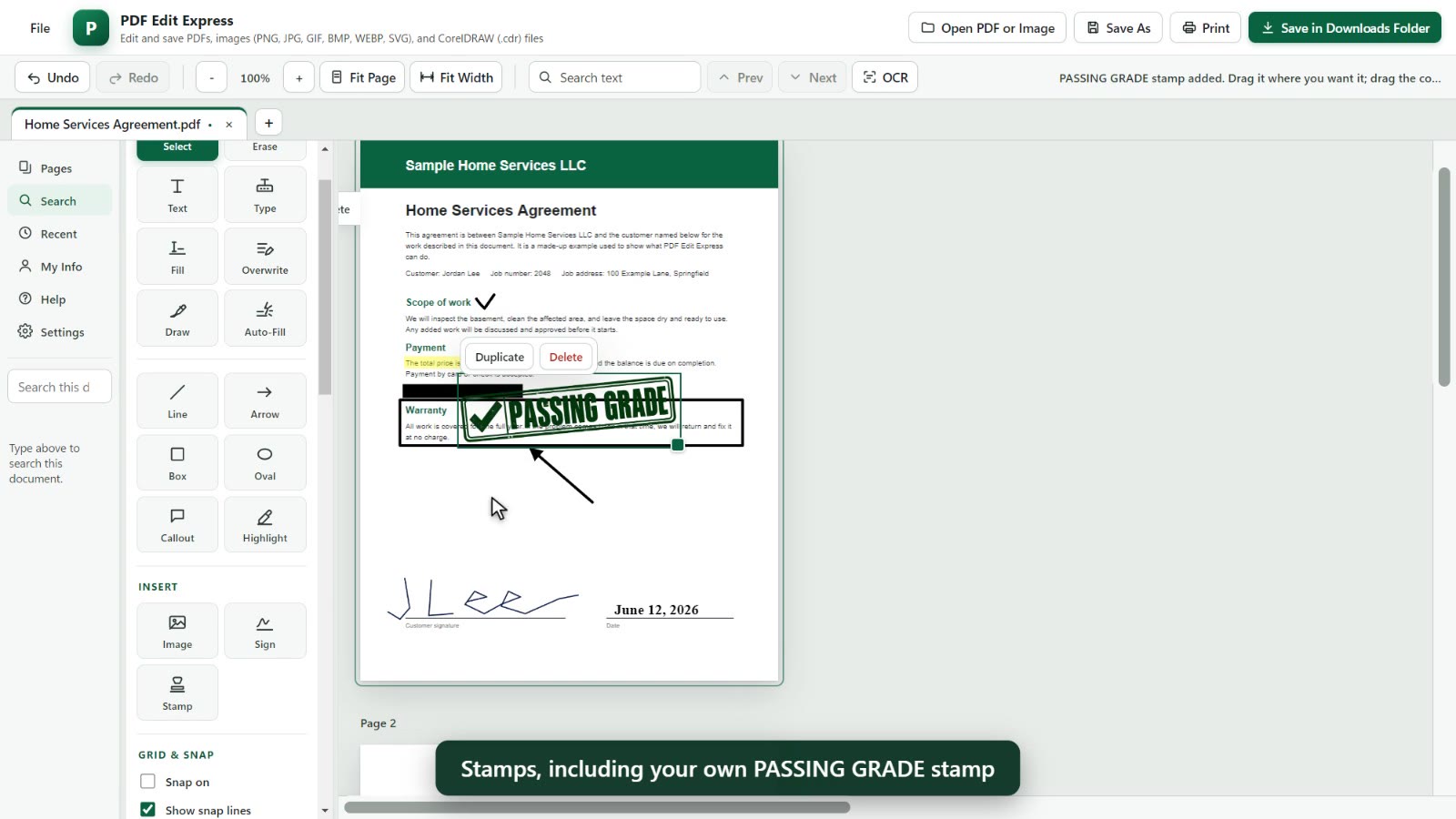
Draw your signature once and place it. Stamps like Approved, Draft, Received with today's date, and a PASSING GRADE stamp.
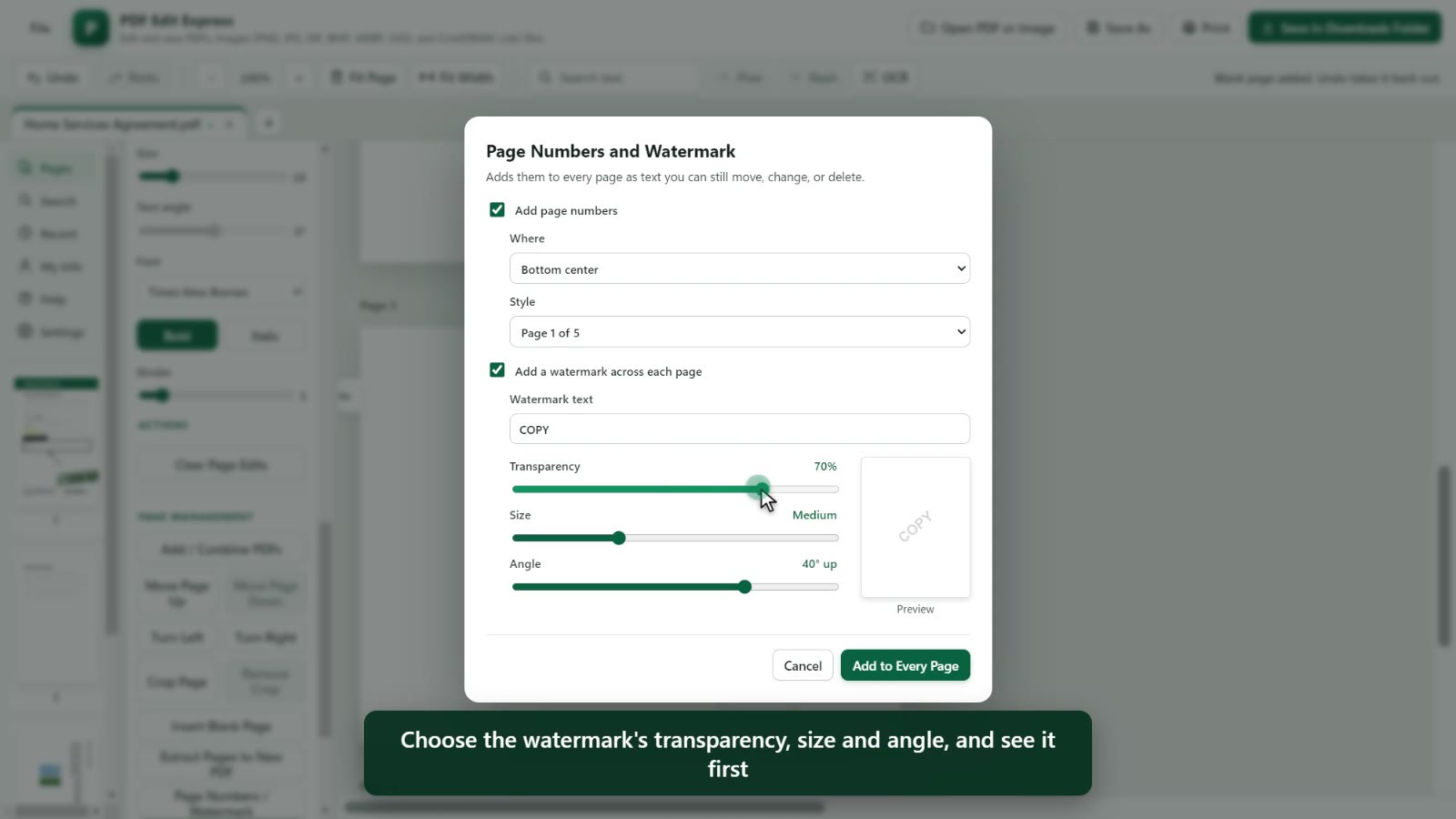
Add them to every page in one step, with your choice of transparency, size and angle, and a preview first.
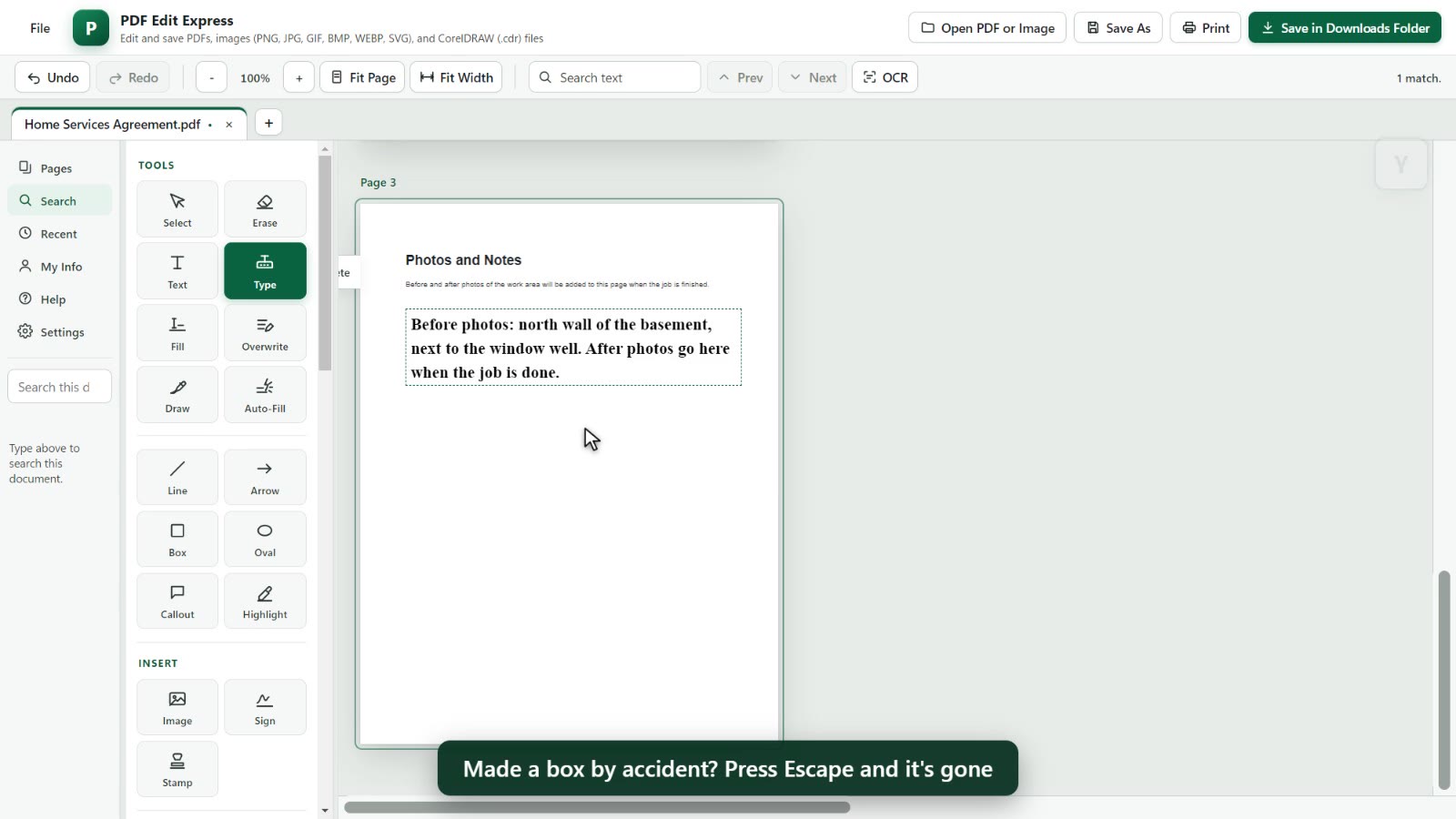
Type right on any line. Text boxes wrap their words, and you can make the text bigger or the lines closer right on the box.
PDF Edit Express runs inside your web browser. The documents and pictures you open are not uploaded to our servers, and your edits are saved back to your own computer.
One exception: if you click OCR (reading the text on a scanned page) while you're online, that page's picture is sent to OCR.space, an outside text-reading service, so it can read the words.
We keep your email address so you can sign in, and, only if you tick the box, to send you updates. We don't sell it.
Works best in Google Chrome or Microsoft Edge on a computer.